Video carousel
What is a video carousel?
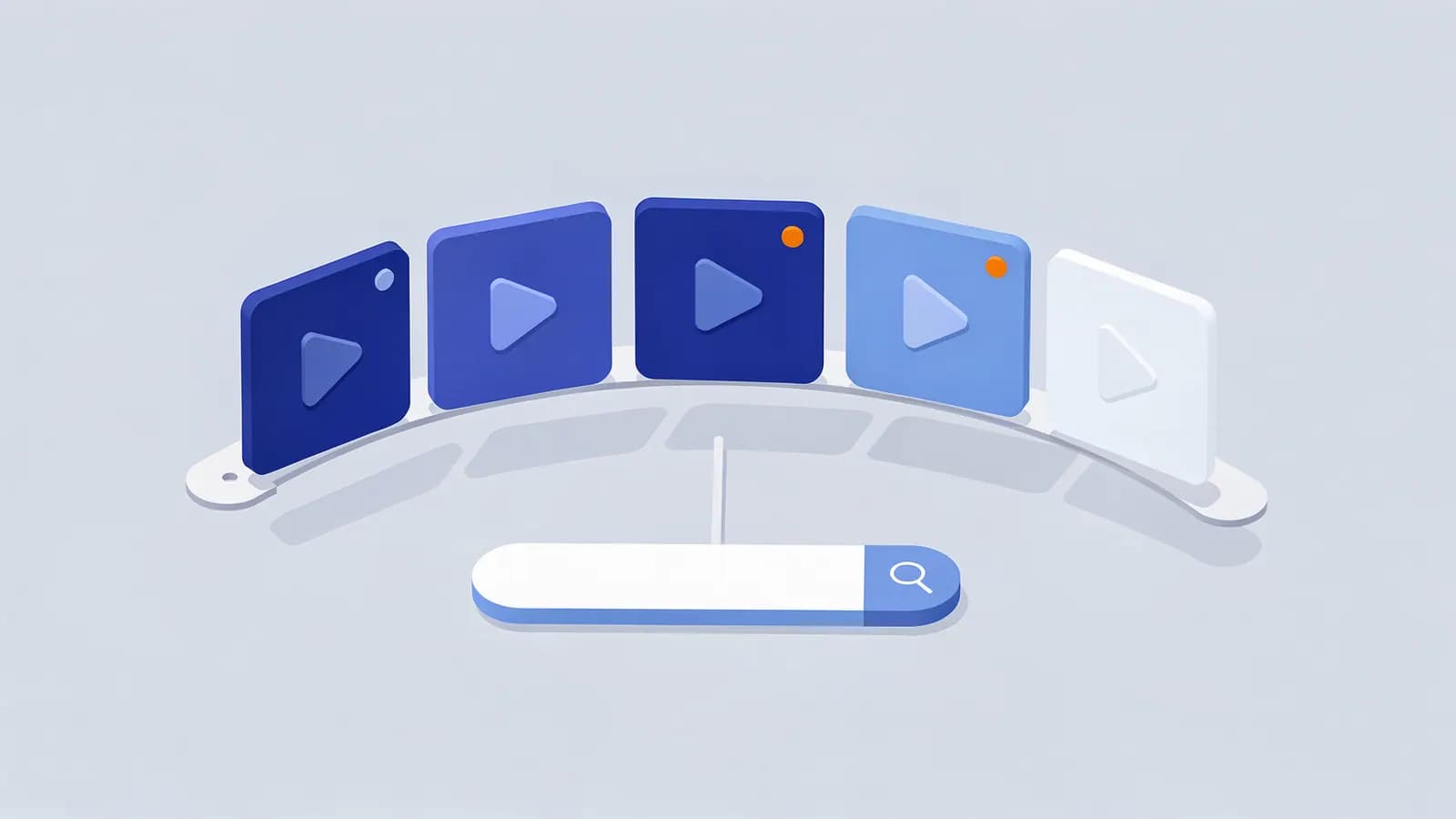
A video carousel is a horizontally scrolling row of video results that Google shows within search results when it thinks a video would answer the query well. Each card shows a thumbnail, title, source, length and date. Many come from YouTube, but videos hosted on other sites can appear if Google can find and index them.
Since 2023 Google only shows video results for pages where the video is the main content of the page; a video embedded in the sidebar of an article is unlikely to qualify. Videos can also show “key moments” that link to specific timestamps, set through chapters on YouTube or Clip or SeekToAction markup elsewhere.
Why video carousel matters for SEO
For “how to”, review and tutorial queries with informational intent, video carousels often appear high on the page and take a lot of attention. If you do not have a video, a competitor’s video may be the result people see first.
Google treats the carousel as one position in Search Console, so every video in it shares the same position number.
How to get videos into Google results
- Make the video the main content of a dedicated page, with a descriptive title tag and text around it.
- Use a supported video format and make sure Google can fetch the video file or player and a thumbnail image.
- Add VideoObject structured data with name, description, thumbnailUrl and uploadDate.
- Add chapters (on YouTube) or Clip markup so Google can show key moments.
- Check the Video indexing report in Search Console for problems.
Video carousel example
<script type="application/ld+json">
{
  "@context": "https://schema.org",
  "@type": "VideoObject",
  "name": "How to bleed a radiator",
  "description": "A three-minute guide to bleeding a radiator safely.",
  "thumbnailUrl": "https://www.example.com/video/bleed-radiator.jpg",
  "uploadDate": "2026-03-04",
  "duration": "PT3M12S",
  "contentUrl": "https://www.example.com/video/bleed-radiator.mp4"
}
</script>
Video carousel FAQ
Do I need YouTube to appear in video carousels?
No, but YouTube videos appear very often. Videos on your own site can appear if they are the main content of the page and Google can index them.
Why is my video not indexed?
Common reasons are that the video is not the main content of the page, Google cannot fetch the video or thumbnail, or the page itself is not indexed. The Video indexing report in Search Console lists the reason.
Related SEO terms
SERP features are the results on Google’s results page that are not plain blue links, such as AI Overviews, featured snippets, local packs and videos.
Structured data is code in a standard format that describes a page’s content to search engines, making it eligible for rich results.
An image pack is a row or block of image results inside Google’s main search results, linking to Google Images and the source pages.
Rich results are Google search results with extra visual features, such as star ratings, prices or event dates, usually powered by structured data.
Informational intent is when a searcher wants to learn something, such as how to do a task or what a term means, rather than buy or visit a site.